Political & Civic Video Styles
5 AI political & civic styles. Each one is a tuned recipe — click a style to see an example and start creating.
Campaign and civic video built for the formats that actually run — candidate intros, document-grounded contrast spots, issue advocacy, GOTV turnout, and endorsement ads. These styles are paid advocacy creatives, not news coverage: real photos when you provide them, off-screen voiceover for named figures, and compose-layer fact cards for dates and CTAs.
Wavemaker will not invent Paid-for-by lines, Election Day dates, or lip-synced candidate speech. Supply your disclaimer text, photos, and ballot facts; the treatment keeps the creative on the rails campaigns need.
-
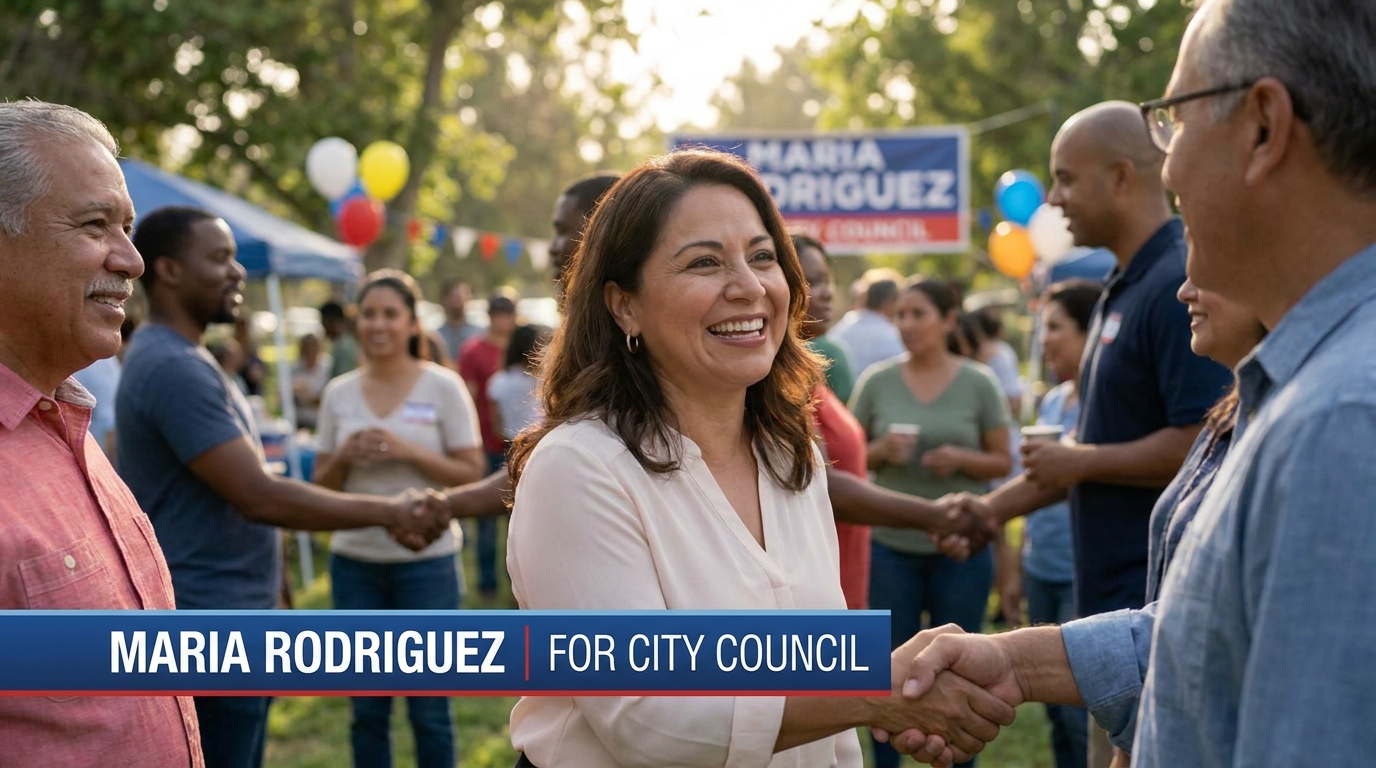 Candidate Intro Meet the candidate — trust first, attack never
 -
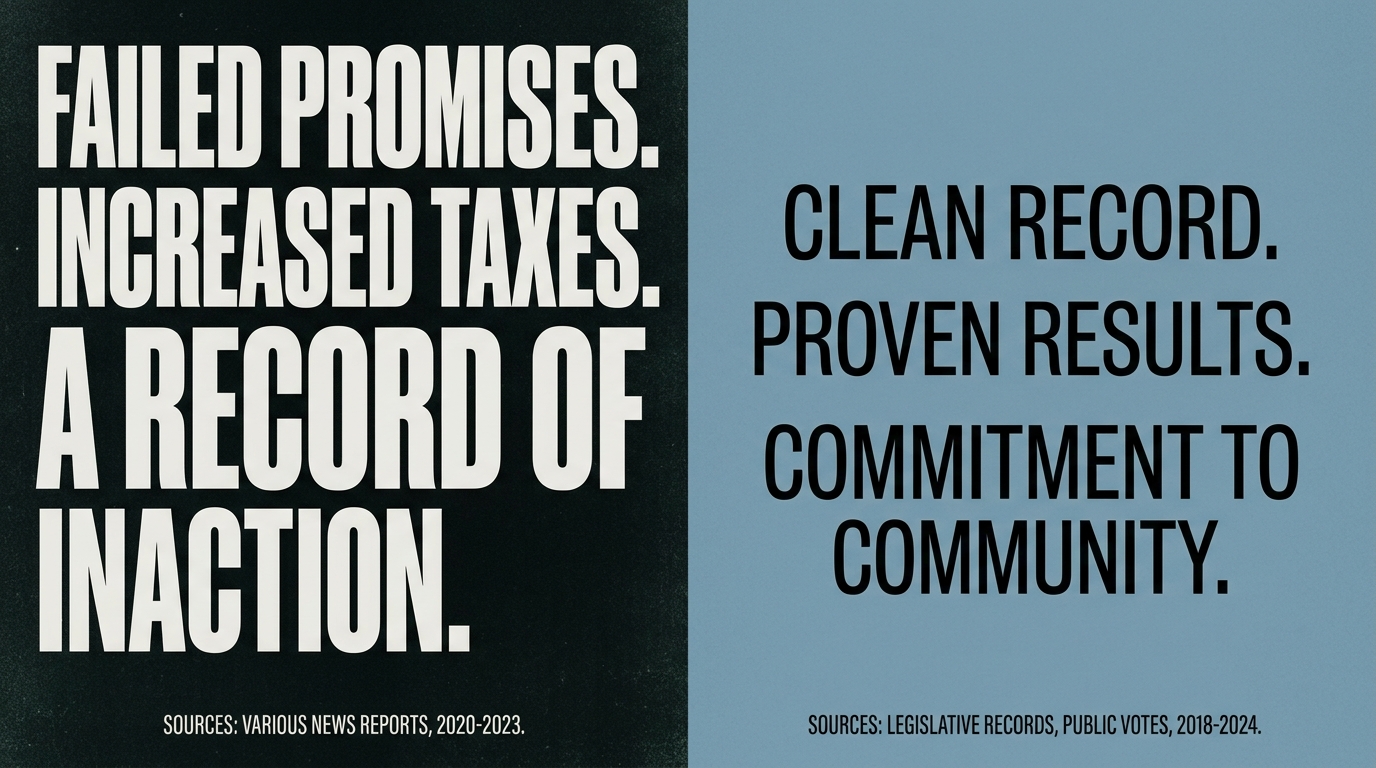 Contrast Ad Their record vs ours — document-grounded, never deepfake
 -
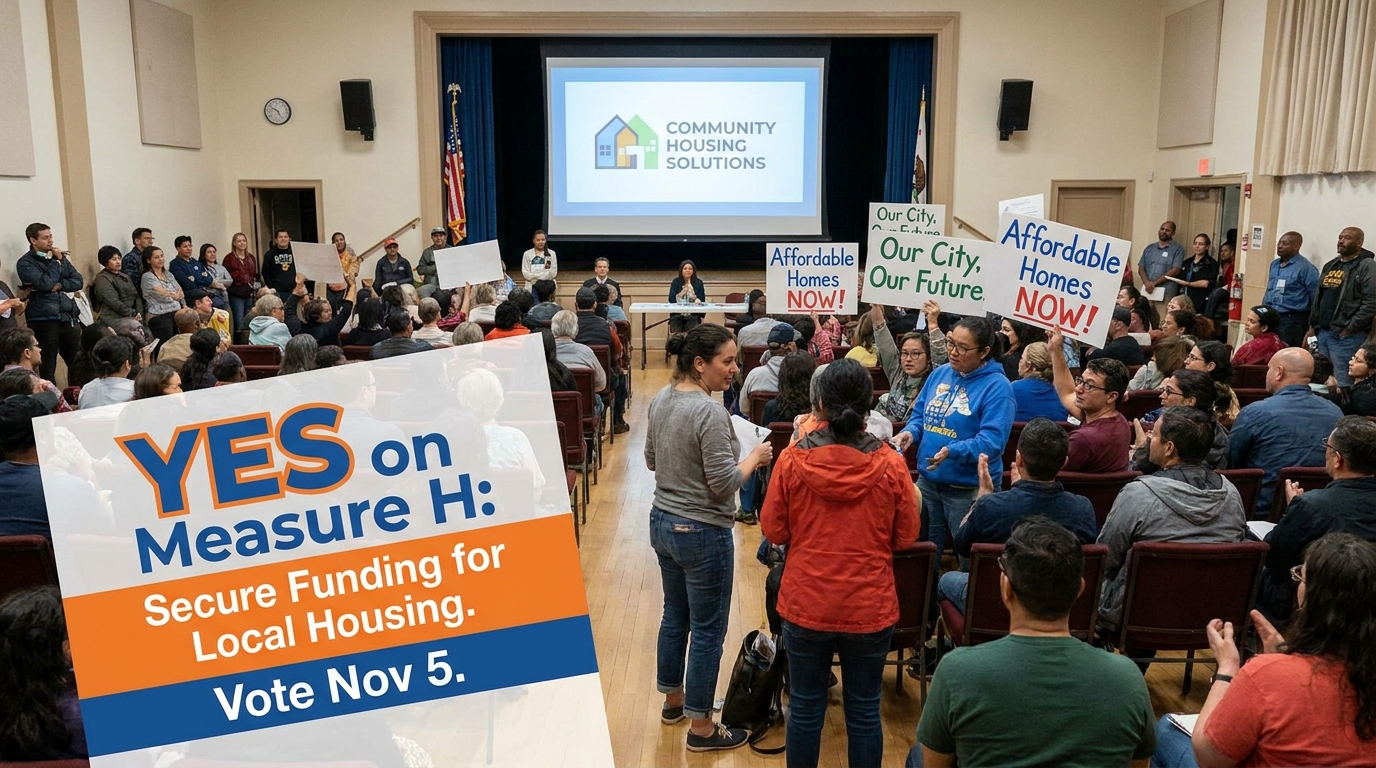 Issue Advocacy The issue is the hero — ballot measure or cause
 -
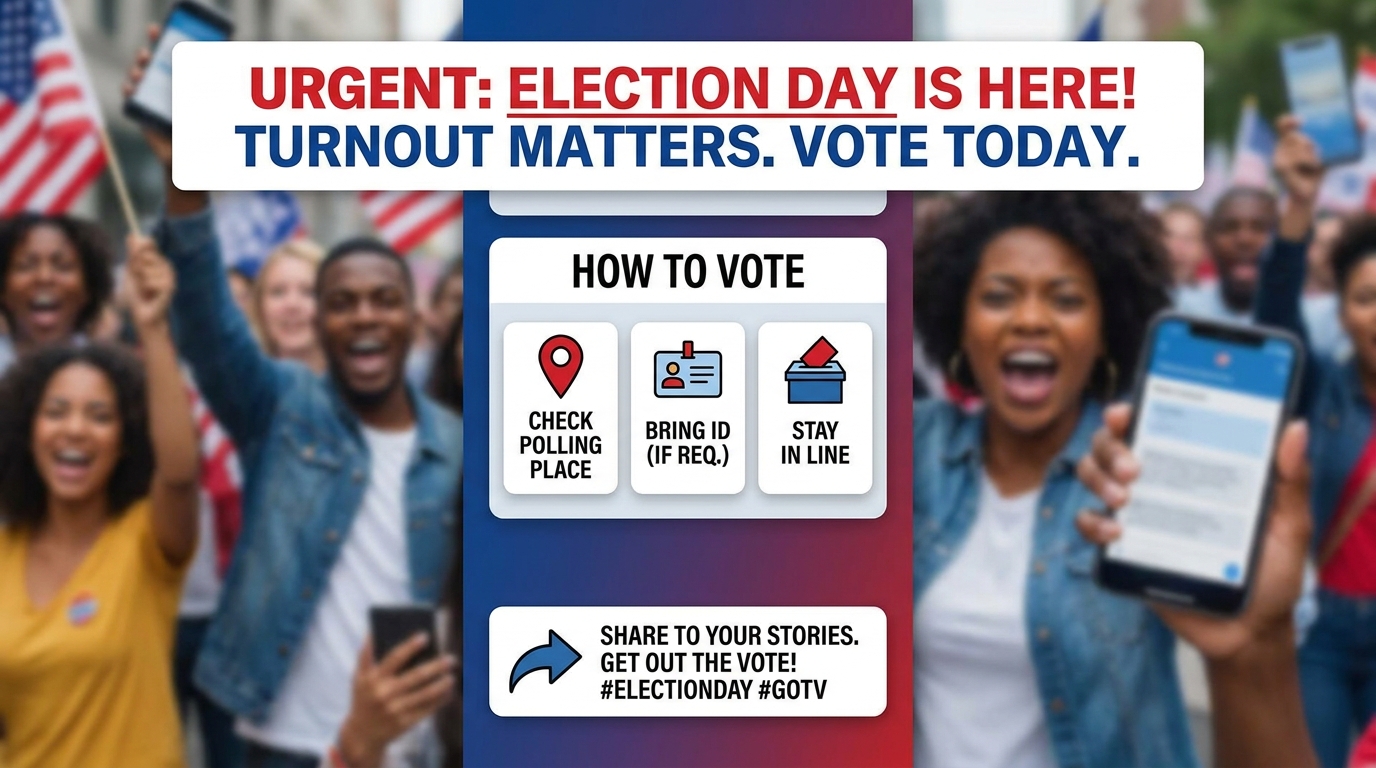 GOTV Spot Dates, how to vote, share — nothing invented
 -
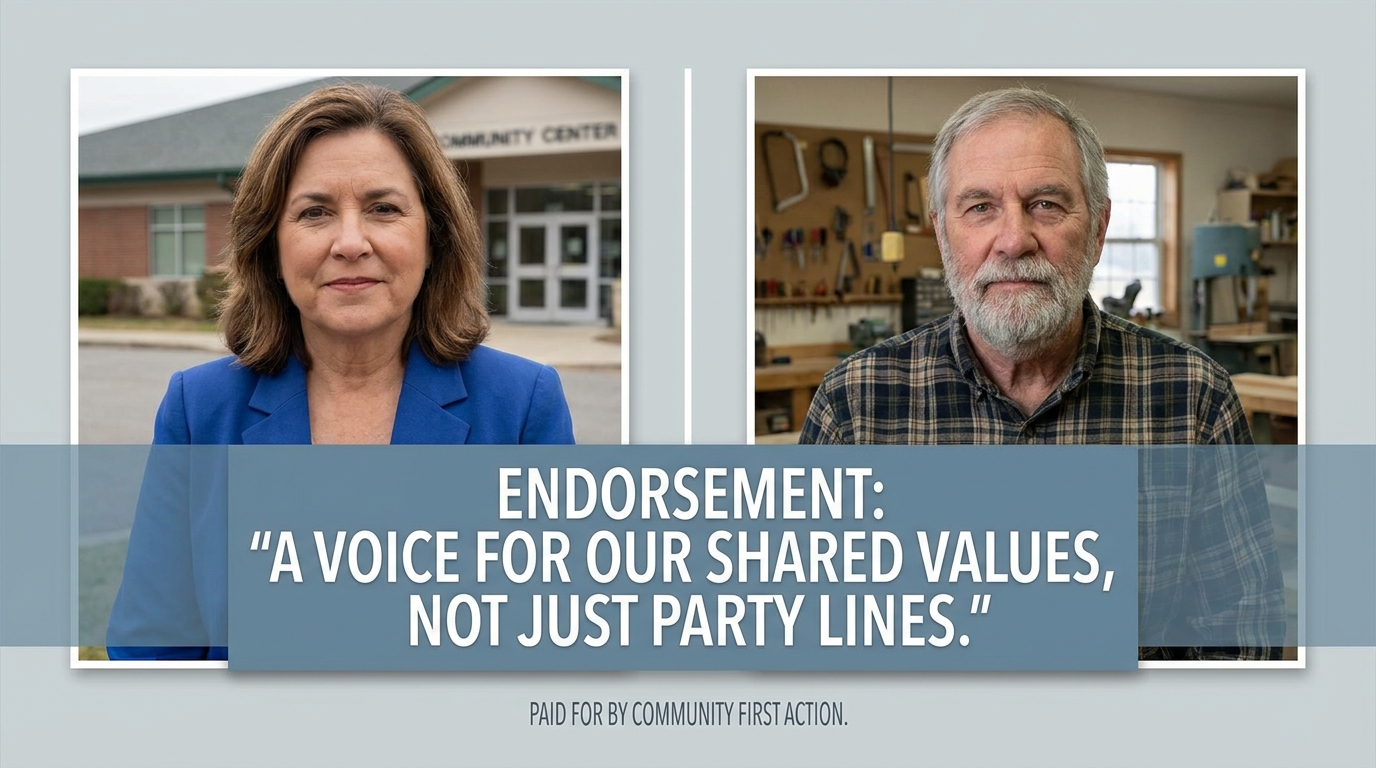 Endorsement Ad A named backer, a verbatim statement, a clear ask
How to create a political & civic video
-
Describe your video
Paste a link or type a one-line brief. Wavemaker reads it, pulls your brand, and plans the scenes, script, and pacing for you.
-
Pick a style
Choose one of the styles on this page. Each is a tuned recipe — look, cut rhythm, voice, and structure — applied automatically to your brief.
-
Generate and refine
Wavemaker writes the script, generates every shot and voiceover, and assembles a finished video. Tweak any scene in chat or on the canvas, then export.
Political & Civic video — FAQs
Is this the same as a news report?
No — Political & Civic styles are campaign and advocacy creatives. Journalism about politics stays on the News & Current Affairs styles (news_report).
Will it invent a Paid-for-by disclaimer?
Never. Paste the exact disclaimer text you need; if you omit it, the spot ships without a fabricated committee line.
Can candidates speak on camera?
Named candidates and opponents stay silent on-screen — quotes run as off-screen voiceover with attribution chyrons. Attach real photos for likeness; do not expect deepfake lip-sync.