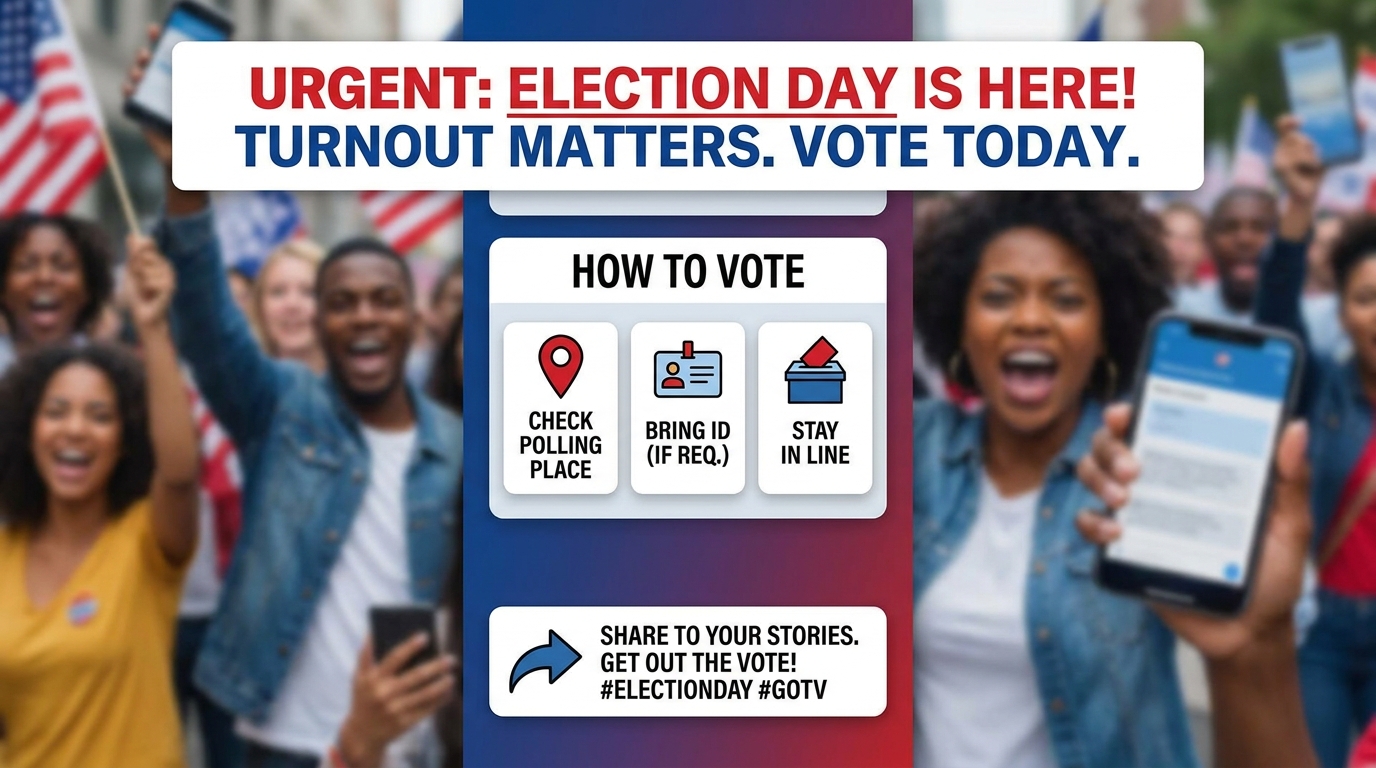
GOTV Spot
Dates, how to vote, share — nothing invented
Make a vertical 15-second get-out-the-vote spot — urgency open, who/what is on the ballot (from the brief only), how/when/where to vote as compose-layer fact cards (use ONLY dates and locations the user supplied — never invent Election Day), and a shareable close. Captions on. Prefer 9:16; keep under 20 seconds
Opens the Wavemaker composer with this style pre-selected.
GOTV Spot is an AI political & civic video style — dates, how to vote, share — nothing invented. Wavemaker generates the entire video for you — script, visuals, voiceover, and music — and assembles a finished, ready-to-share piece in minutes.
Pick GOTV Spot, describe your idea or paste a URL, and Wavemaker applies the style's tuned recipe (its look, pacing, framing, voice, and structure) to your content. Refine any scene in plain language, then export in the aspect ratio you need (vertical, square, or widescreen).
How to create a gotv spot video
-
Describe your video
Paste a link or type a one-line brief. Wavemaker reads it, pulls your brand, and plans the scenes, script, and pacing for you.
-
Pick a style
Choose one of the styles on this page. Each is a tuned recipe — look, cut rhythm, voice, and structure — applied automatically to your brief.
-
Generate and refine
Wavemaker writes the script, generates every shot and voiceover, and assembles a finished video. Tweak any scene in chat or on the canvas, then export.
GOTV Spot — FAQs
What is the GOTV Spot video style?
GOTV Spot is a political & civic style on Wavemaker — dates, how to vote, share — nothing invented Selecting it steers the whole generation — look, cut rhythm, voice, and scene structure — toward that result, so you get a consistent GOTV Spot feel without configuring anything.
How do I make a GOTV Spot video?
Open the Wavemaker composer, choose GOTV Spot, describe your idea (or paste a link), and Wavemaker writes the script, generates the visuals and voiceover, and assembles the video. Tweak any scene in chat and export.
What aspect ratios can I export?
Vertical (9:16) for TikTok, Reels, and Shorts, square (1:1), and widescreen (16:9) for YouTube and the web. Some styles default to the ratio that performs best for their format.
Is this the same as a news report?
No — Political & Civic styles are campaign and advocacy creatives. Journalism about politics stays on the News & Current Affairs styles (news_report).
Will it invent a Paid-for-by disclaimer?
Never. Paste the exact disclaimer text you need; if you omit it, the spot ships without a fabricated committee line.
Can candidates speak on camera?
Named candidates and opponents stay silent on-screen — quotes run as off-screen voiceover with attribution chyrons. Attach real photos for likeness; do not expect deepfake lip-sync.
More Political & Civic styles
-
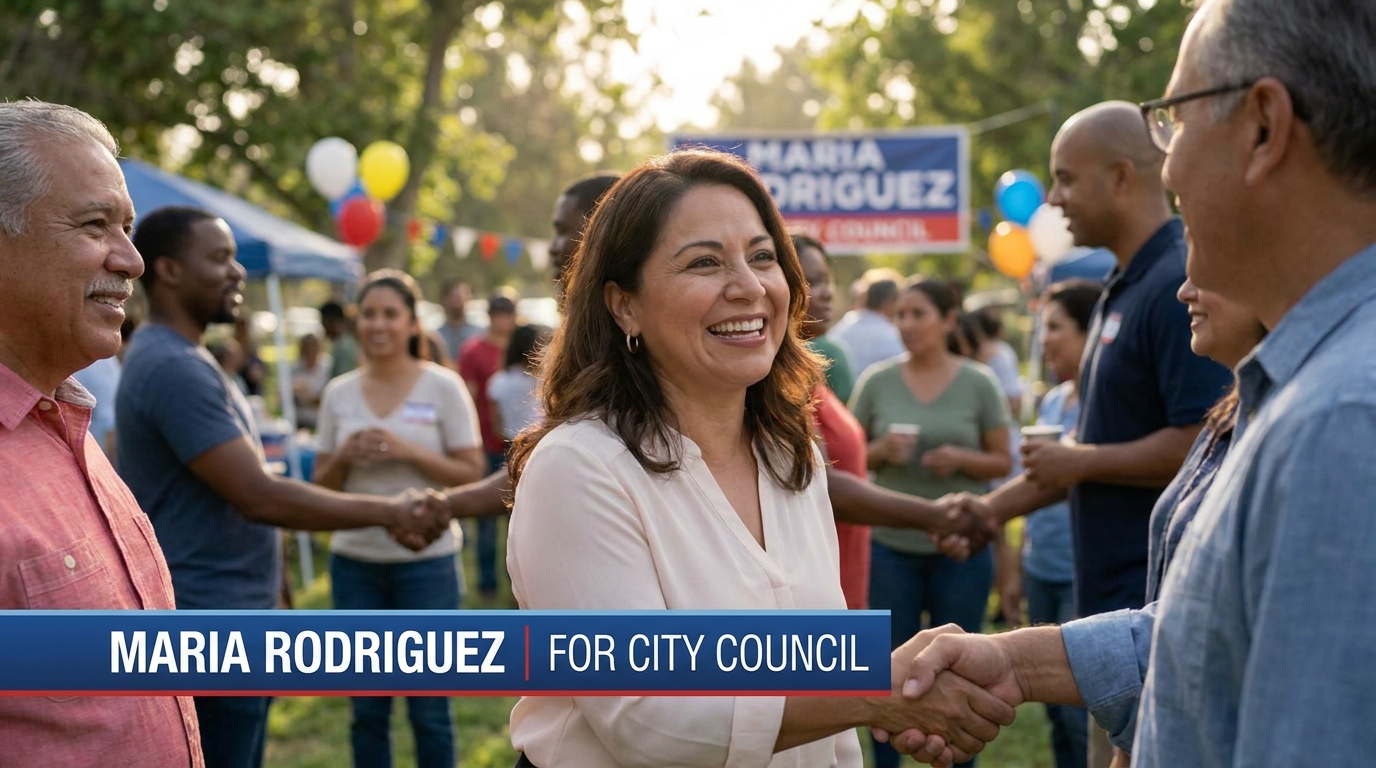 Candidate Intro Meet the candidate — trust first, attack never
 -
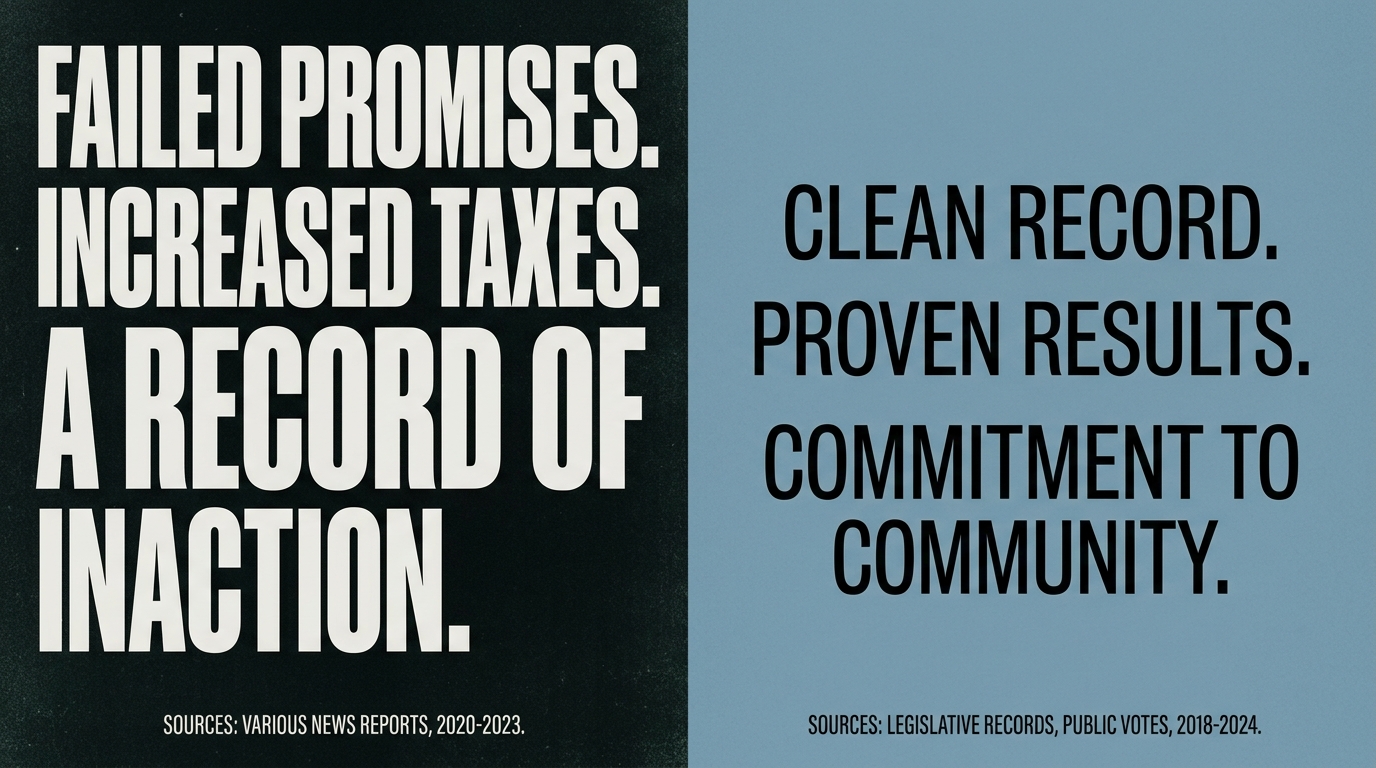 Contrast Ad Their record vs ours — document-grounded, never deepfake
 -
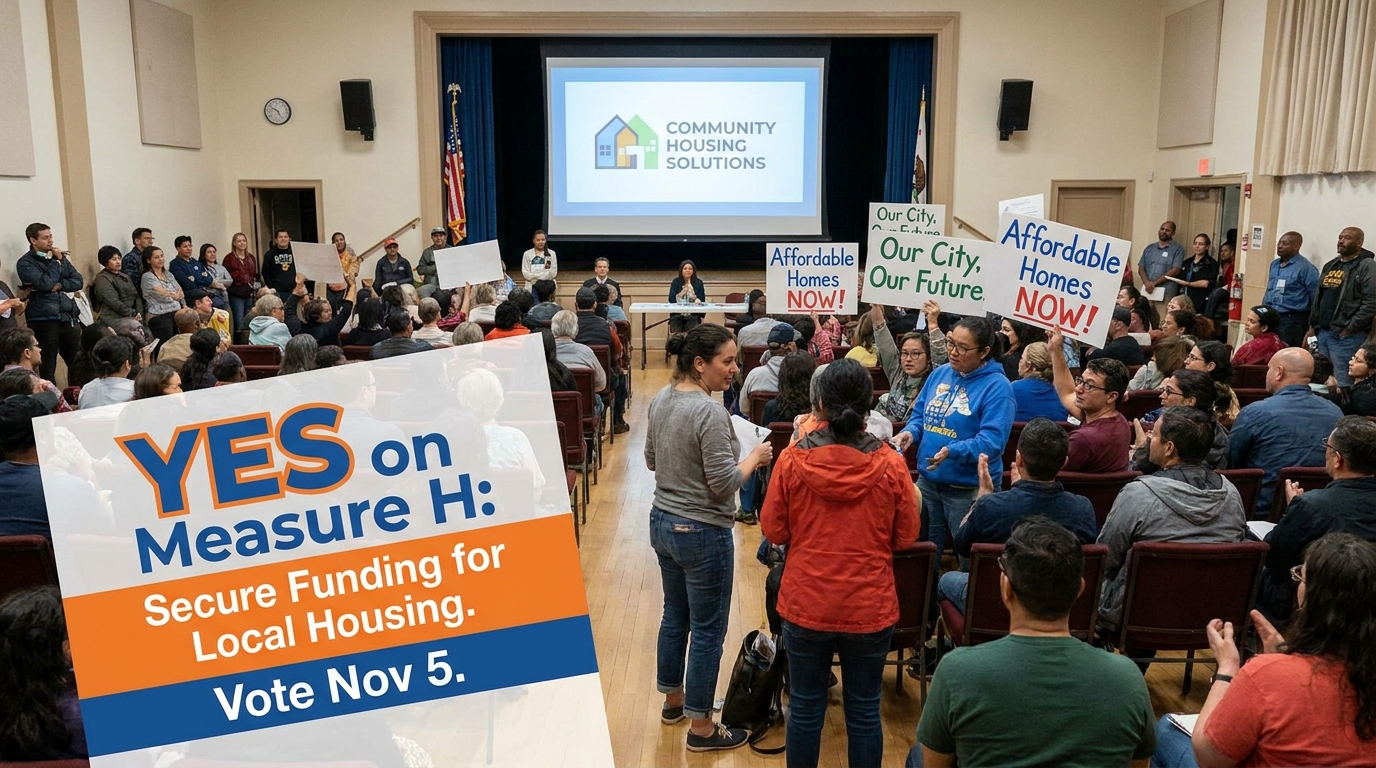 Issue Advocacy The issue is the hero — ballot measure or cause
 -
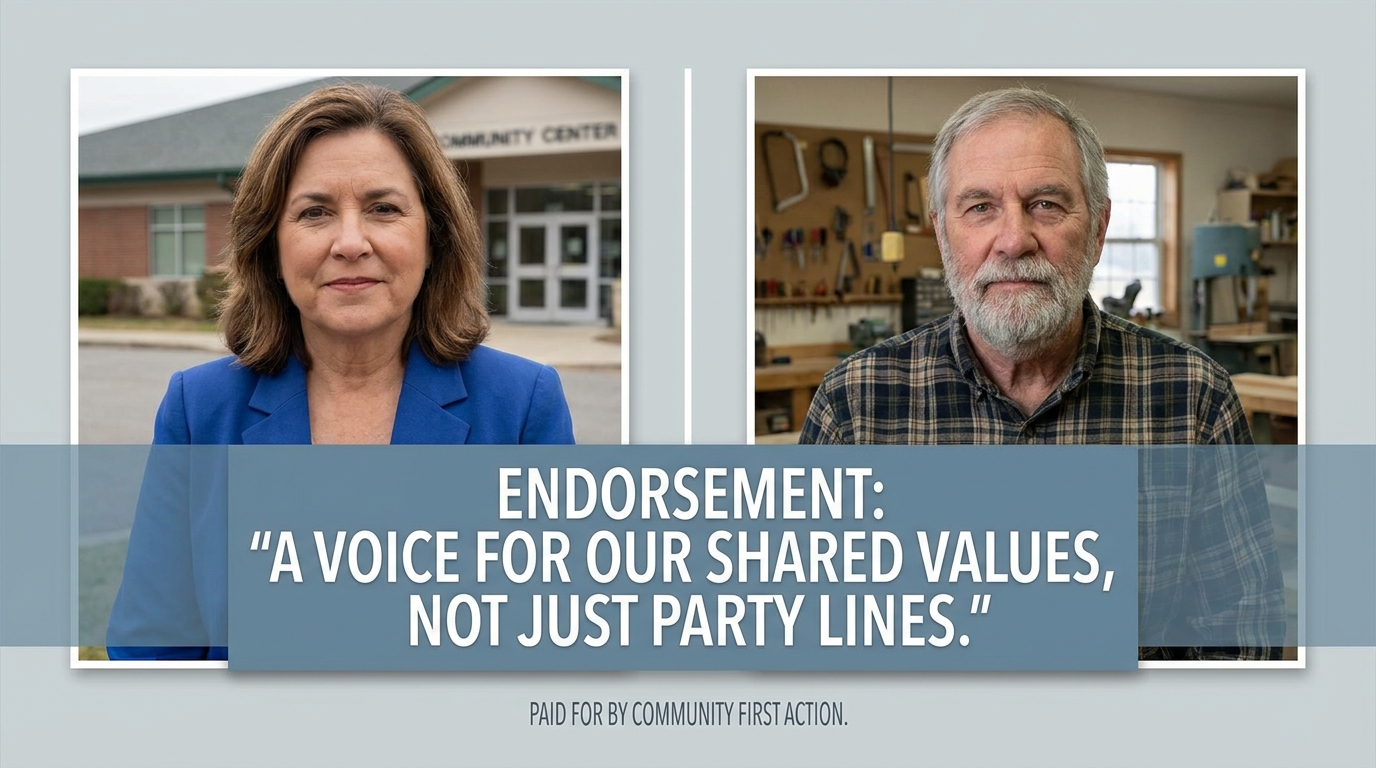 Endorsement Ad A named backer, a verbatim statement, a clear ask