
Year in Review
Twelve months of milestones, earned in 2 minutes
Make a year-in-review for a bootstrapped SaaS company — opening: 'We started 2024 with 12 customers and a prayer.' Six milestone beats (March: first enterprise contract, May: team of 5, August: $1M ARR, October: product award, November: 1,000 customers, December: Series A closed) each with a date card and metric overlay, the defining moment of the year (the customer who almost churned and became their biggest advocate), a genuine thank-you to the team and community, and 'Here's to 2025'
Opens the Wavemaker composer with this style pre-selected.
Year in Review is an AI events & celebrations video style — twelve months of milestones, earned in 2 minutes. Wavemaker generates the entire video for you — script, visuals, voiceover, and music — and assembles a finished, ready-to-share piece in minutes.
Pick Year in Review, describe your idea or paste a URL, and Wavemaker applies the style's tuned recipe (its look, pacing, framing, voice, and structure) to your content. Refine any scene in plain language, then export in the aspect ratio you need (vertical, square, or widescreen).
How to create a year in review video
-
Describe your video
Paste a link or type a one-line brief. Wavemaker reads it, pulls your brand, and plans the scenes, script, and pacing for you.
-
Pick a style
Choose one of the styles on this page. Each is a tuned recipe — look, cut rhythm, voice, and structure — applied automatically to your brief.
-
Generate and refine
Wavemaker writes the script, generates every shot and voiceover, and assembles a finished video. Tweak any scene in chat or on the canvas, then export.
Year in Review — FAQs
What is the Year in Review video style?
Year in Review is a events & celebrations style on Wavemaker — twelve months of milestones, earned in 2 minutes Selecting it steers the whole generation — look, cut rhythm, voice, and scene structure — toward that result, so you get a consistent Year in Review feel without configuring anything.
How do I make a Year in Review video?
Open the Wavemaker composer, choose Year in Review, describe your idea (or paste a link), and Wavemaker writes the script, generates the visuals and voiceover, and assembles the video. Tweak any scene in chat and export.
What aspect ratios can I export?
Vertical (9:16) for TikTok, Reels, and Shorts, square (1:1), and widescreen (16:9) for YouTube and the web. Some styles default to the ratio that performs best for their format.
Can I make an invitation video?
Yes — describe the event and the details and Wavemaker builds an invite or save-the-date with the date, place, and a celebratory feel.
Can I use my own photos?
Upload photos and Wavemaker can feature them in the recap or announcement.
Does it pick fitting music?
Music is matched to the occasion automatically, or you can upload your own track.
More Events & Celebrations styles
-
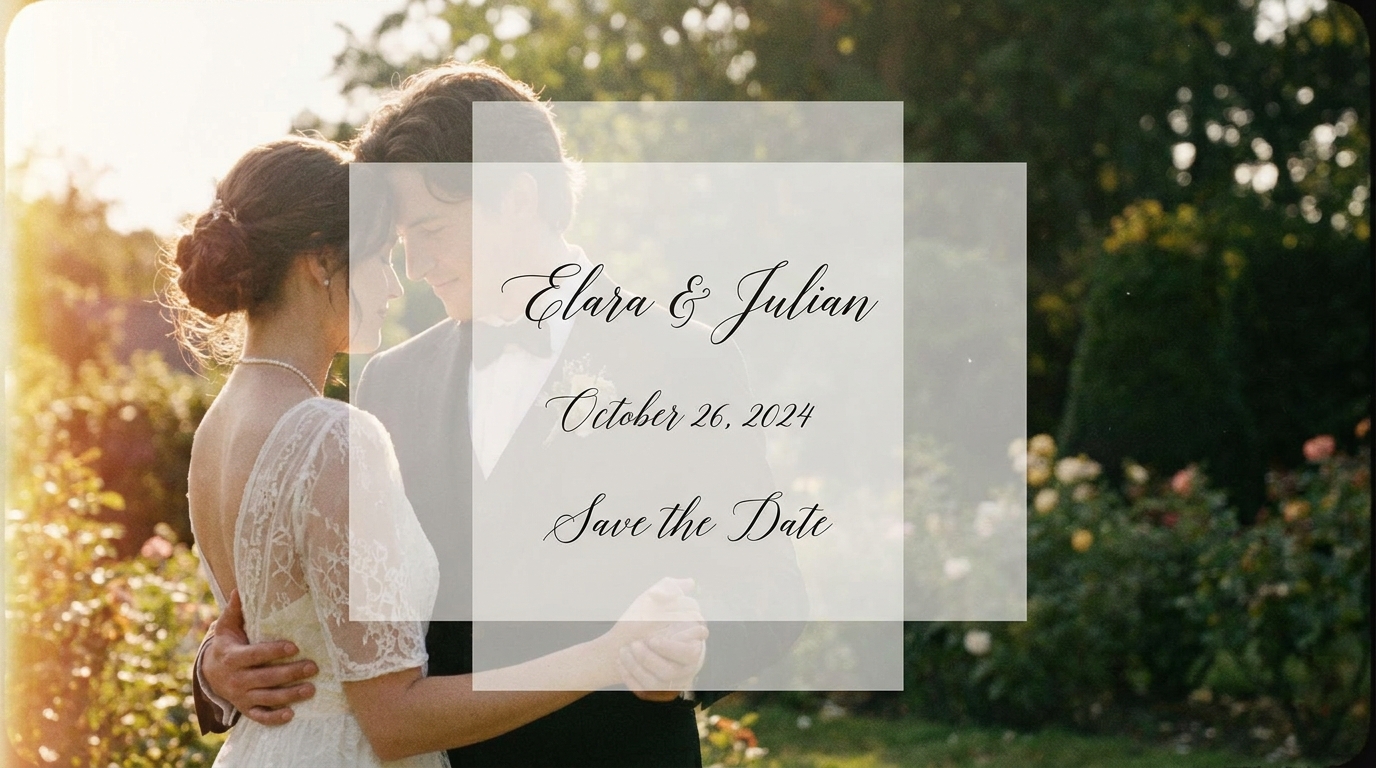 Wedding Invitation A keepsake before the day even arrives
 -
 Holiday Greeting Warm and personal — not a promotional blast
 -
 Fundraising Appeal Specific truth, not manufactured guilt
 -
 Campus Tour Makes a 17-year-old text 'I want to go here'
 -
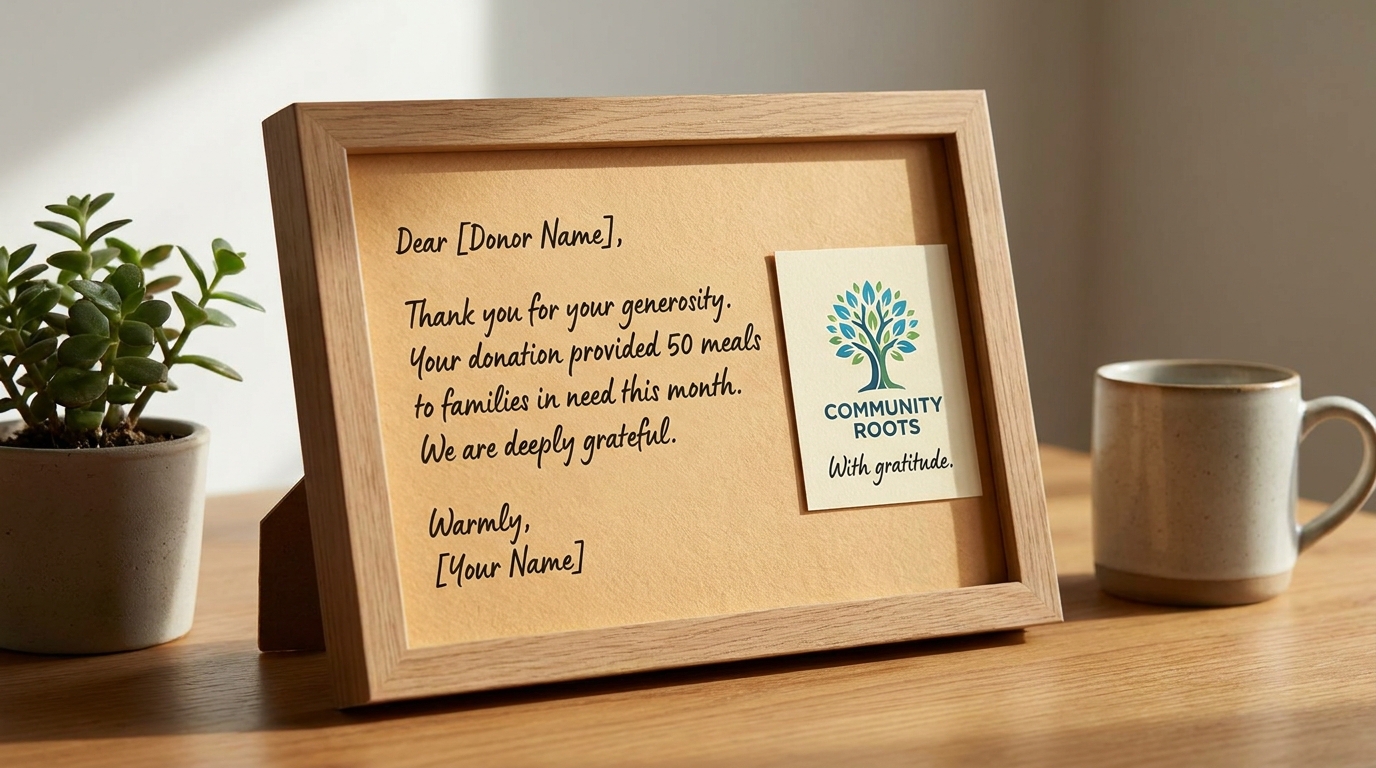 Donor Thank You 20 seconds that deepens a relationship
 -
 Celebration of Life A gift to the family — built from real photos