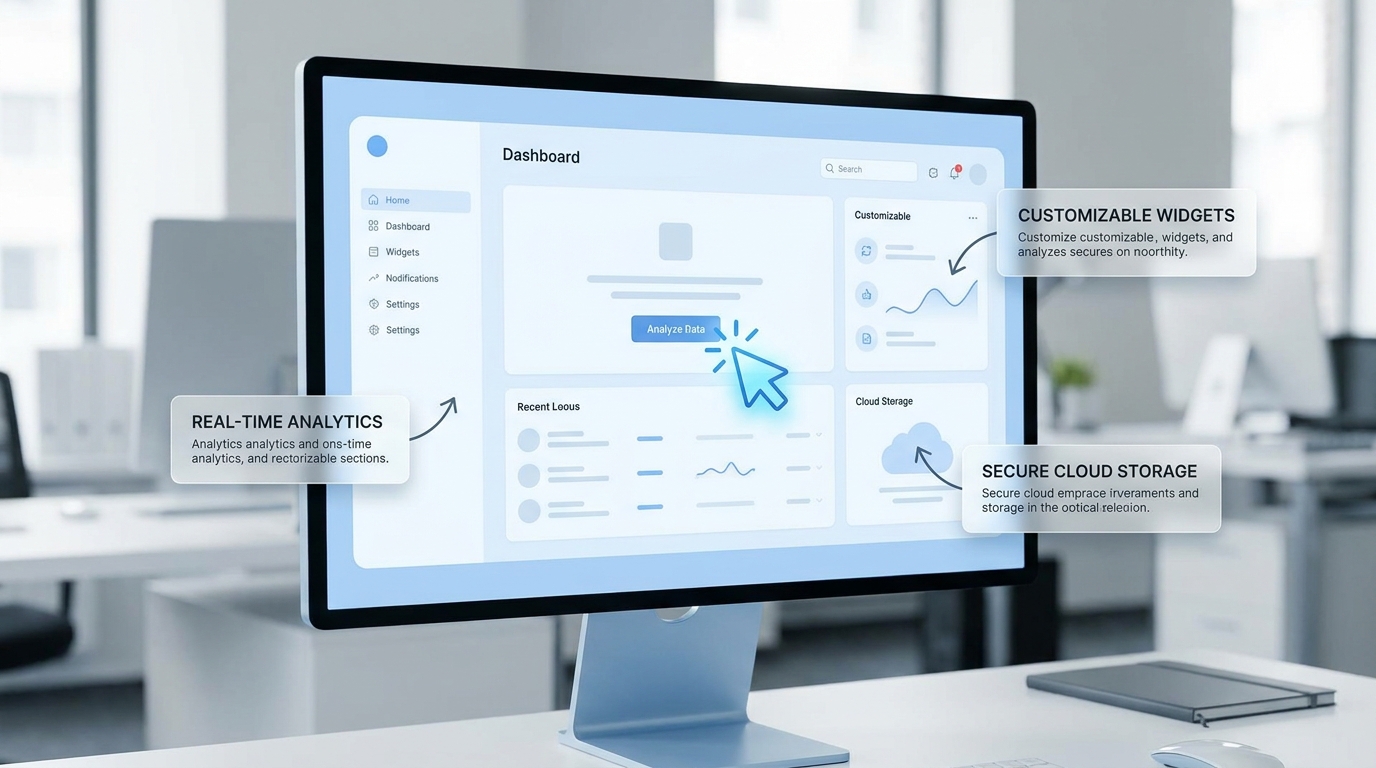
Polish a recording
Turn your screencast into an Apple-style product demo
[Attach: a screen recording] Polish this screencast into a product demo — keep the real UI pixels, add device frames, planned zooms, and clear VO. Do not recreate the interface.
Opens the Wavemaker composer with this style pre-selected.
Polish a recording is an AI education & explainers video style — turn your screencast into an Apple-style product demo. Wavemaker generates the entire video for you — script, visuals, voiceover, and music — and assembles a finished, ready-to-share piece in minutes.
Pick Polish a recording, describe your idea or paste a URL, and Wavemaker applies the style's tuned recipe (its look, pacing, framing, voice, and structure) to your content. You can attach your own image to feature your real product, person, or brand. Refine any scene in plain language, then export in the aspect ratio you need (vertical, square, or widescreen).
How to create a polish a recording video
-
Describe your video
Paste a link or type a one-line brief. Wavemaker reads it, pulls your brand, and plans the scenes, script, and pacing for you.
-
Pick a style
Choose one of the styles on this page. Each is a tuned recipe — look, cut rhythm, voice, and structure — applied automatically to your brief.
-
Generate and refine
Wavemaker writes the script, generates every shot and voiceover, and assembles a finished video. Tweak any scene in chat or on the canvas, then export.
Polish a recording — FAQs
What is the Polish a recording video style?
Polish a recording is a education & explainers style on Wavemaker — turn your screencast into an Apple-style product demo Selecting it steers the whole generation — look, cut rhythm, voice, and scene structure — toward that result, so you get a consistent Polish a recording feel without configuring anything.
How do I make a Polish a recording video?
Open the Wavemaker composer, choose Polish a recording, describe your idea (or paste a link), and Wavemaker writes the script, generates the visuals and voiceover, and assembles the video. Tweak any scene in chat and export.
Can I feature my own product or subject?
Yes — attach an image and Polish a recording uses your real product, person, or brand as a reference so it stays consistent across every scene instead of inventing a lookalike.
What aspect ratios can I export?
Vertical (9:16) for TikTok, Reels, and Shorts, square (1:1), and widescreen (16:9) for YouTube and the web. Some styles default to the ratio that performs best for their format.
Can I turn a document into a video?
Yes — upload a PDF, doc, or paste text, and Wavemaker summarizes the key points into a structured explainer.
Does it narrate the explanation?
A clear voiceover narrates the script, and on-screen text reinforces the key terms and steps.
More Education & Explainers styles
-
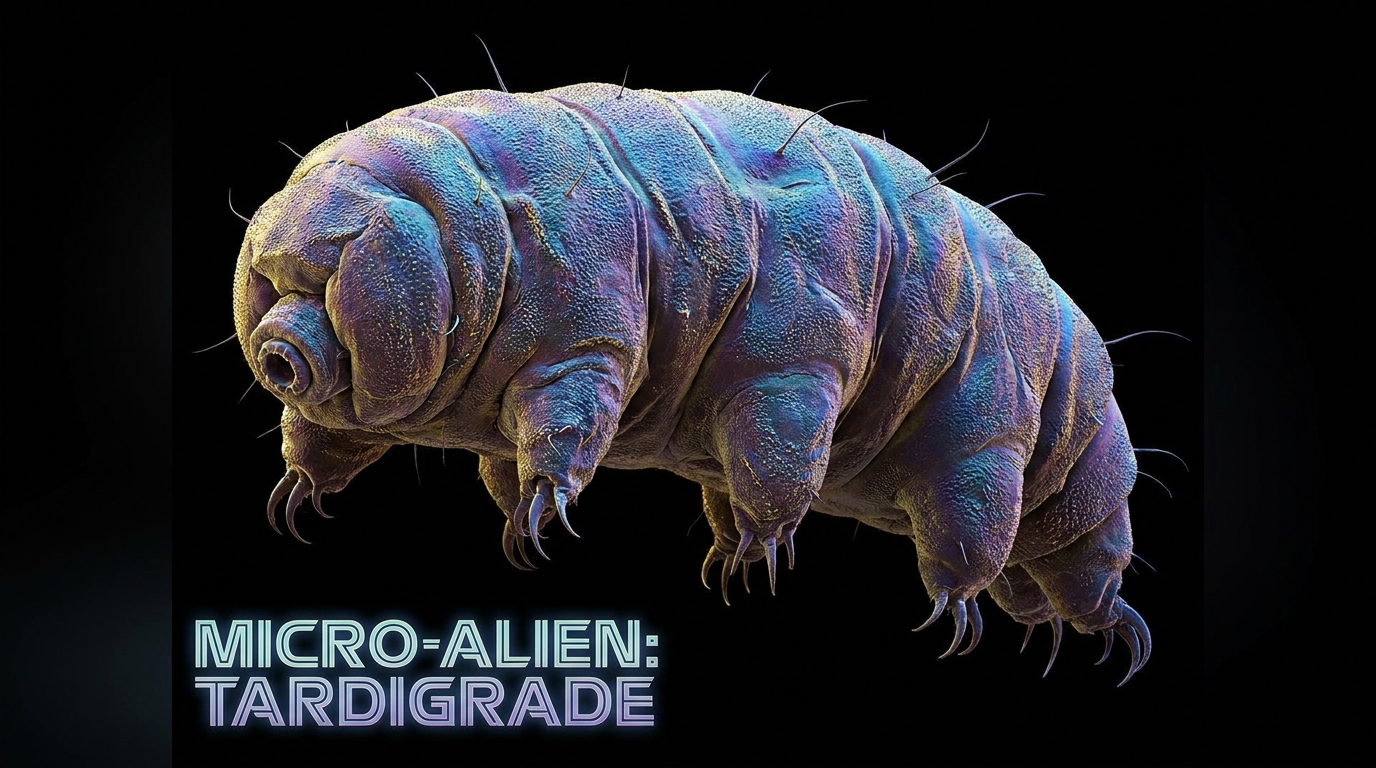 Micro Beasts Microscopic world in BBC documentary style
 -
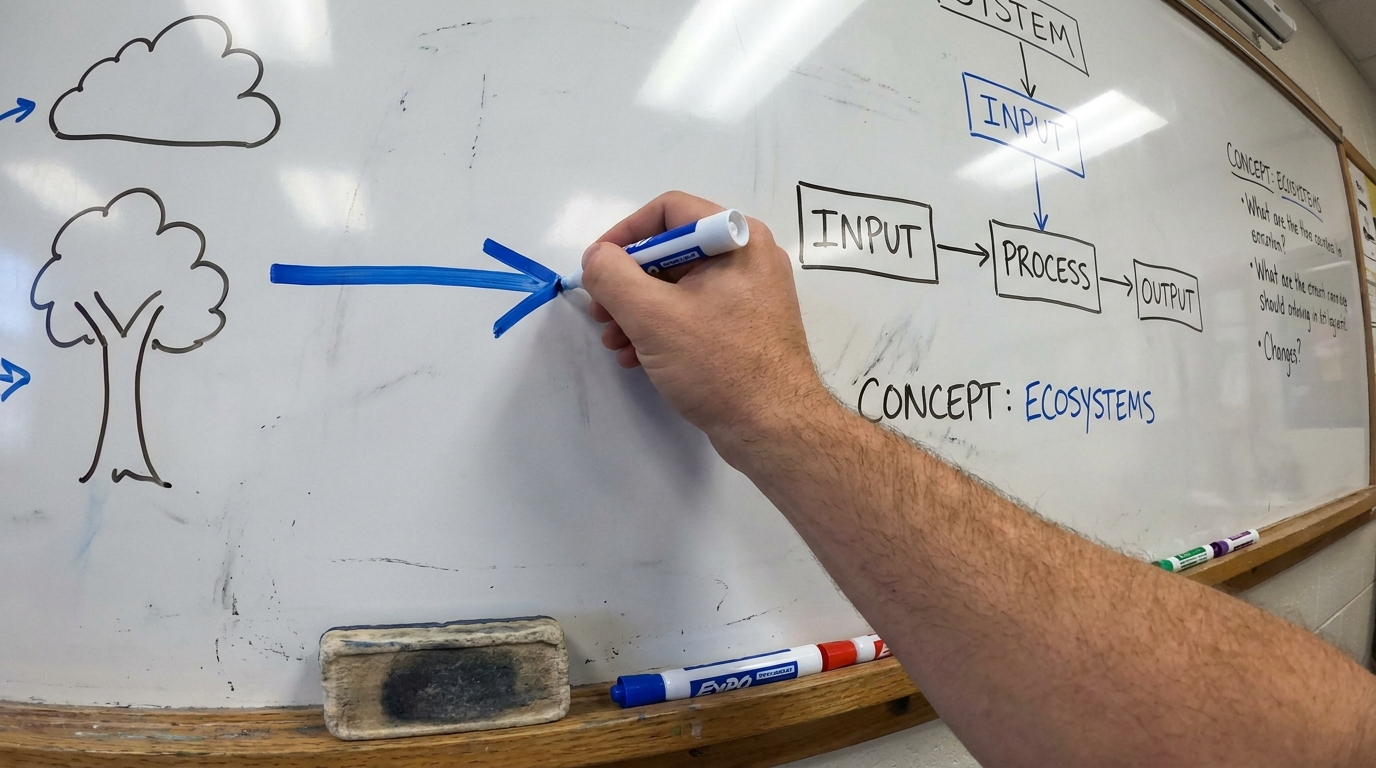 Whiteboard Lesson Educator draws the answer in real time
 - Screen Demo Software walkthrough with cursor and callouts
-
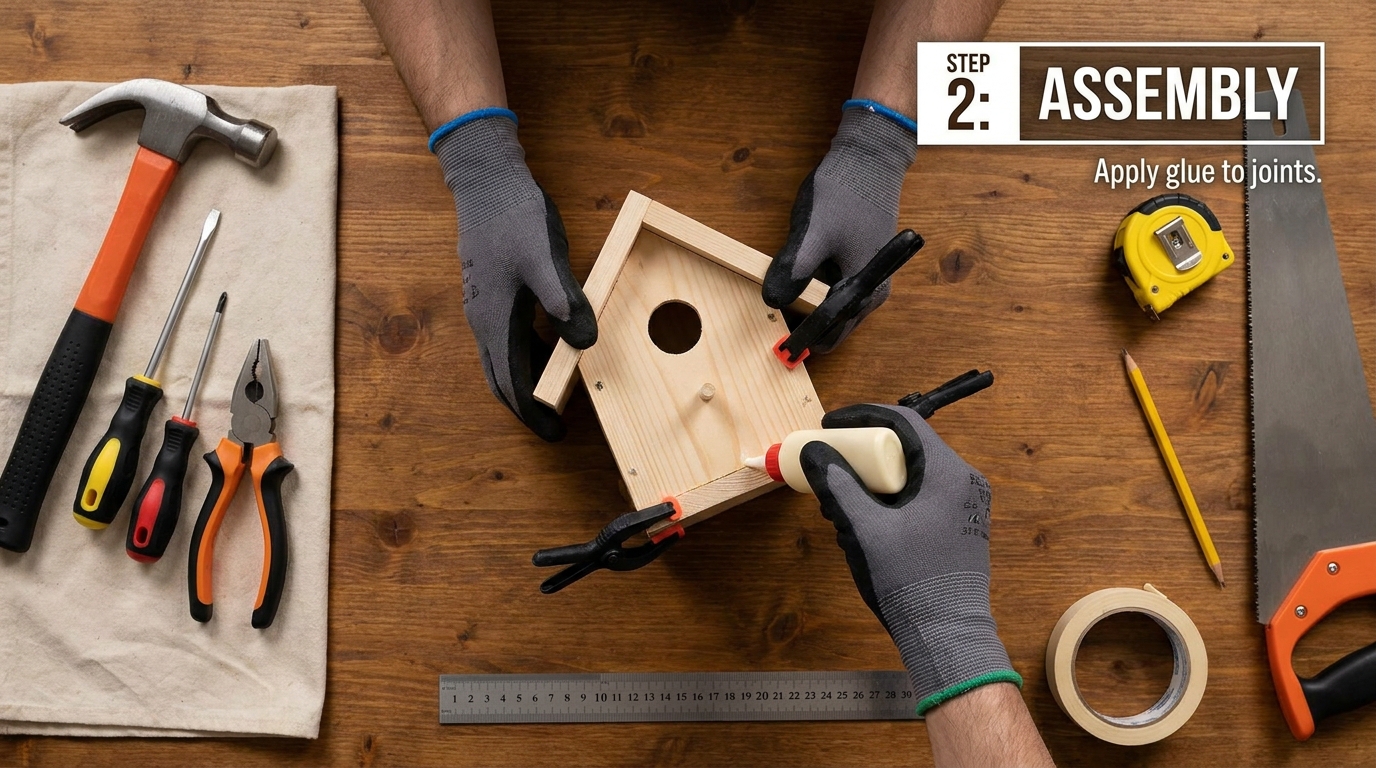 DIY Tutorial Hands-on, step-by-step, anyone can do it
 -
 Science Explainer Kurzgesagt flat-design makes science beautiful
 -
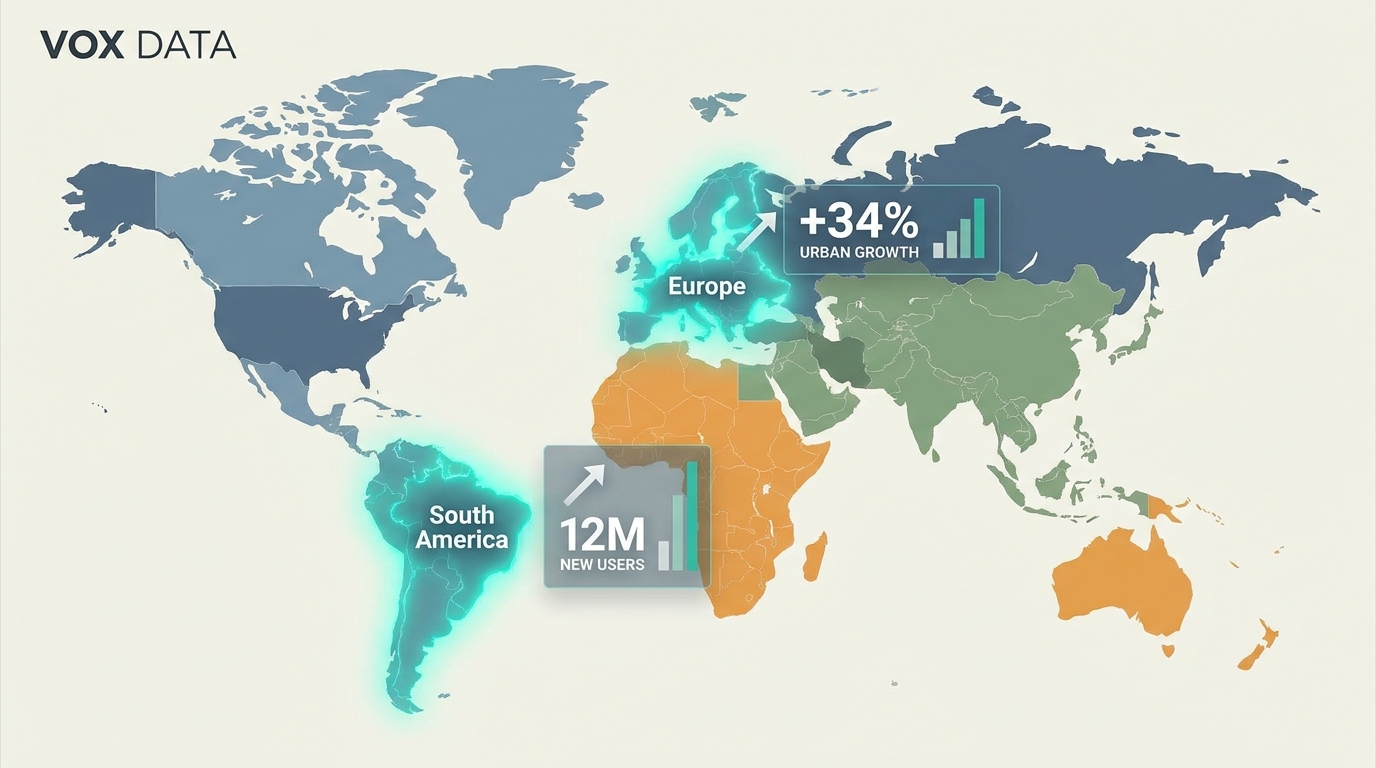 Data Story Charts animate to tell the real story