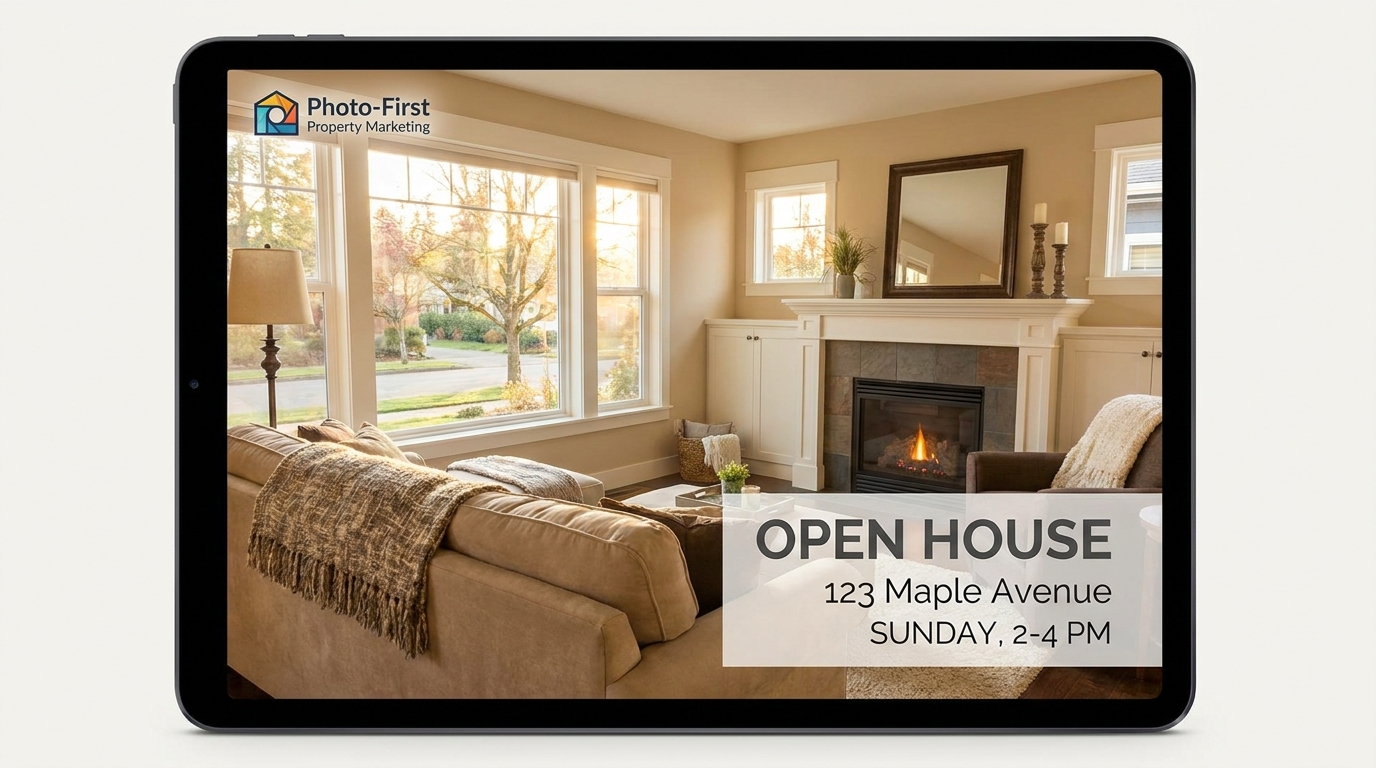
Open House
Real listing photos, not a rendering
[Attach: listing photos] Create an open house video from the attached real property photos — animated curb appeal exterior, living room and dining flow, the renovated chef's kitchen as the hero feature, the primary suite, the backyard patio, and a closing card with address, list price, open house date/time, and agent contact
Opens the Wavemaker composer with this style pre-selected.
Open House is an AI real estate & architecture video style — real listing photos, not a rendering. Wavemaker generates the entire video for you — script, visuals, voiceover, and music — and assembles a finished, ready-to-share piece in minutes.
Pick Open House, describe your idea or paste a URL, and Wavemaker applies the style's tuned recipe (its look, pacing, framing, voice, and structure) to your content. You can attach your own image to feature your real product, person, or brand. Refine any scene in plain language, then export in the aspect ratio you need (vertical, square, or widescreen).
How to create a open house video
-
Describe your video
Paste a link or type a one-line brief. Wavemaker reads it, pulls your brand, and plans the scenes, script, and pacing for you.
-
Pick a style
Choose one of the styles on this page. Each is a tuned recipe — look, cut rhythm, voice, and structure — applied automatically to your brief.
-
Generate and refine
Wavemaker writes the script, generates every shot and voiceover, and assembles a finished video. Tweak any scene in chat or on the canvas, then export.
Open House — FAQs
What is the Open House video style?
Open House is a real estate & architecture style on Wavemaker — real listing photos, not a rendering Selecting it steers the whole generation — look, cut rhythm, voice, and scene structure — toward that result, so you get a consistent Open House feel without configuring anything.
How do I make a Open House video?
Open the Wavemaker composer, choose Open House, describe your idea (or paste a link), and Wavemaker writes the script, generates the visuals and voiceover, and assembles the video. Tweak any scene in chat and export.
Can I feature my own product or subject?
Yes — attach an image and Open House uses your real product, person, or brand as a reference so it stays consistent across every scene instead of inventing a lookalike.
What aspect ratios can I export?
Vertical (9:16) for TikTok, Reels, and Shorts, square (1:1), and widescreen (16:9) for YouTube and the web. Some styles default to the ratio that performs best for their format.
Can I make a listing video?
Yes — paste the listing or describe the property and Wavemaker builds a tour highlighting its best features.
Can it use real listing photos?
When you provide listing photos, Wavemaker can feature your actual property rather than a generic stand-in.
More Real Estate & Architecture styles
-
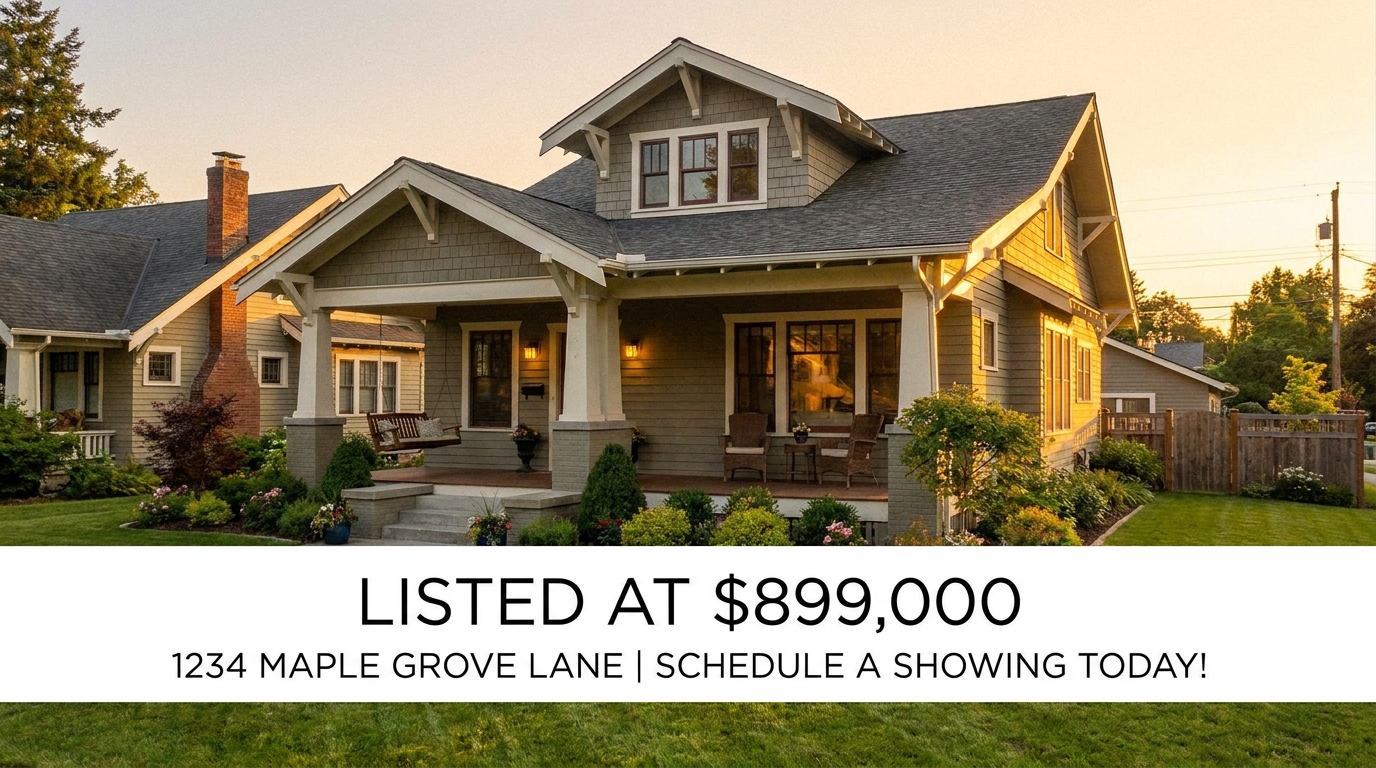 Listing to Ad Paste a Zillow link, get a factual property ad
 -
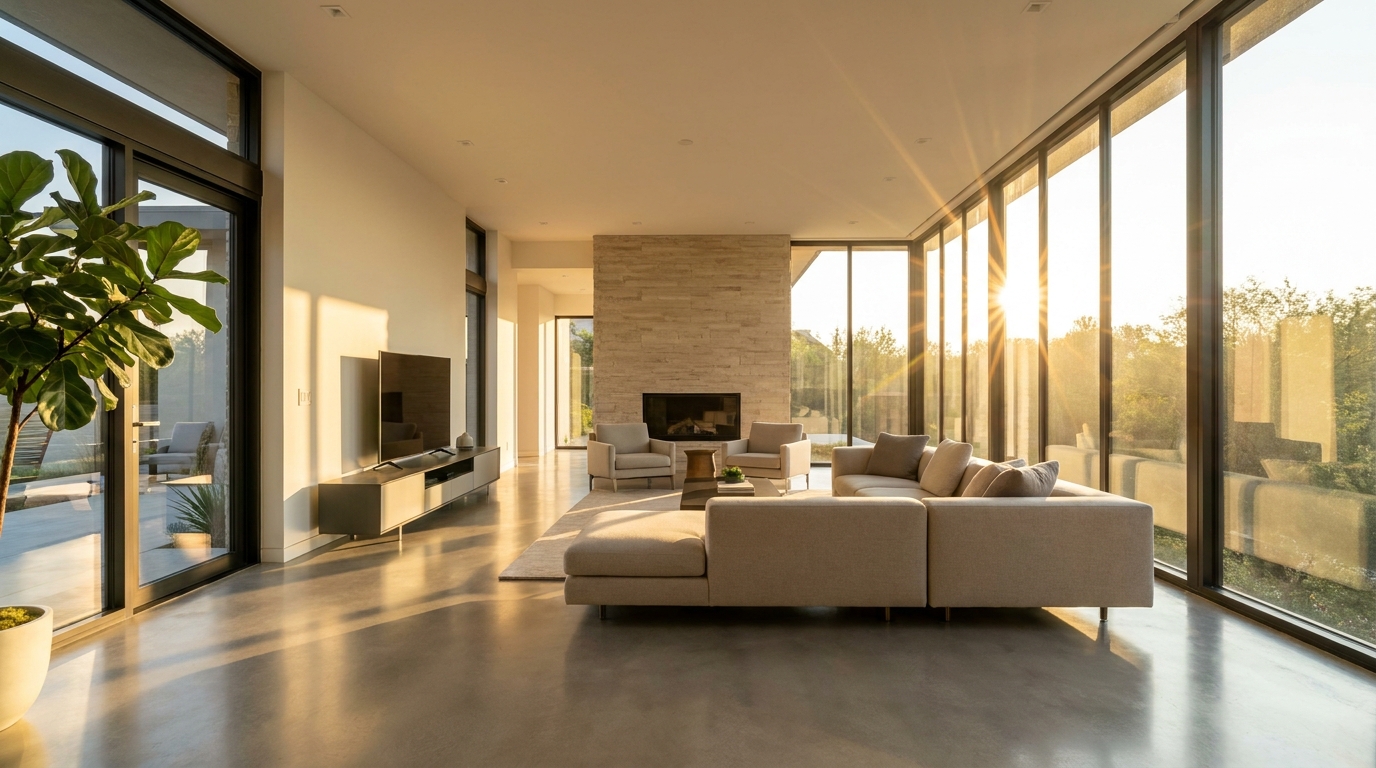 Property Tour Walk every room before you set foot in it
 -
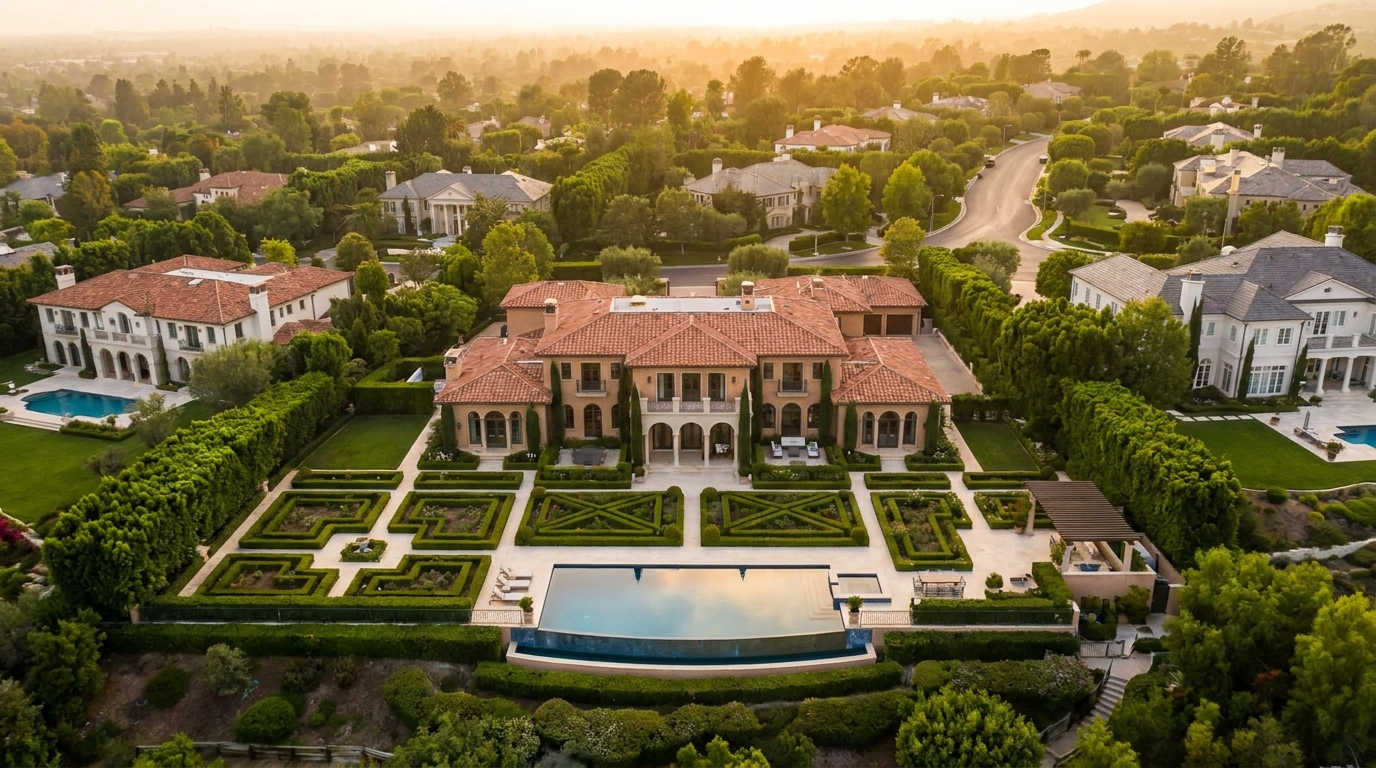 Drone Estate Aerial sweep reveals the full picture
 -
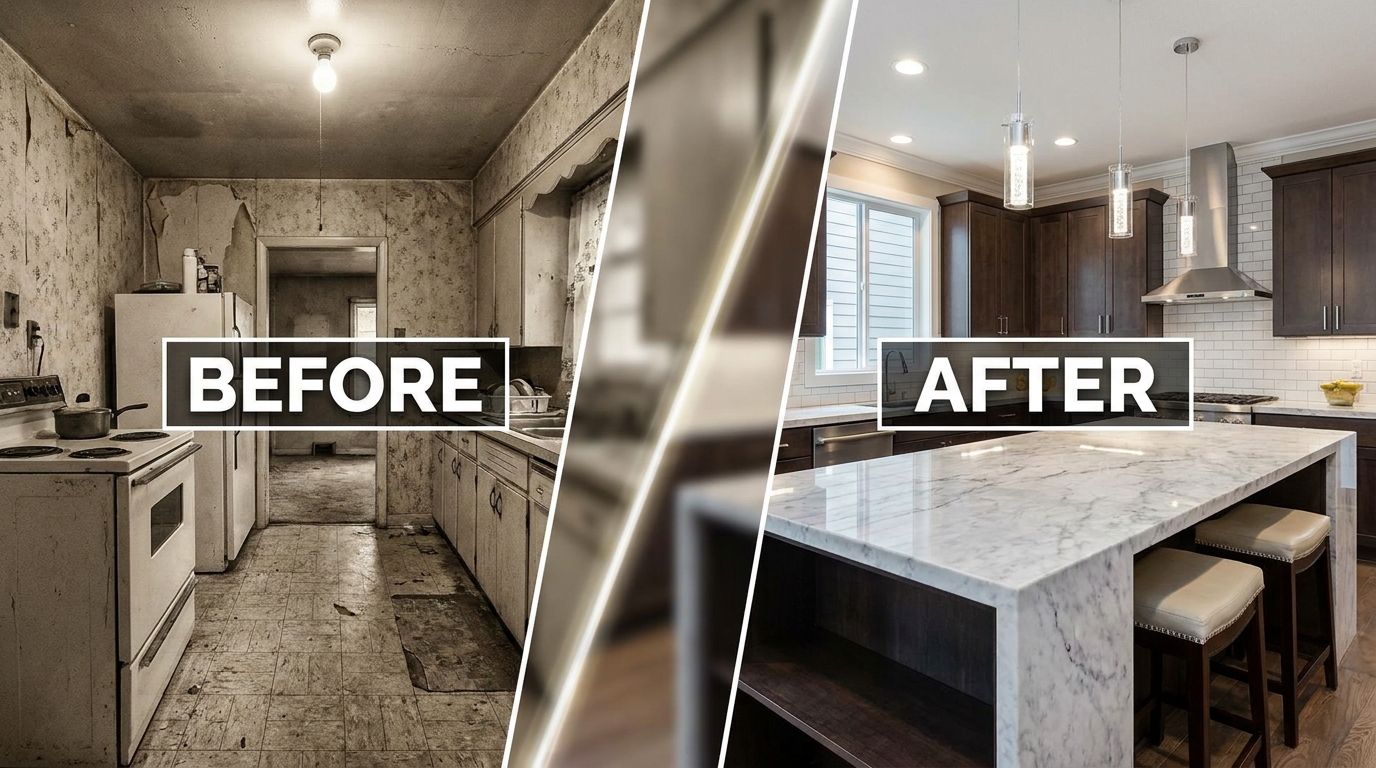 Renovation Reveal The before-and-after that stops the scroll
 -
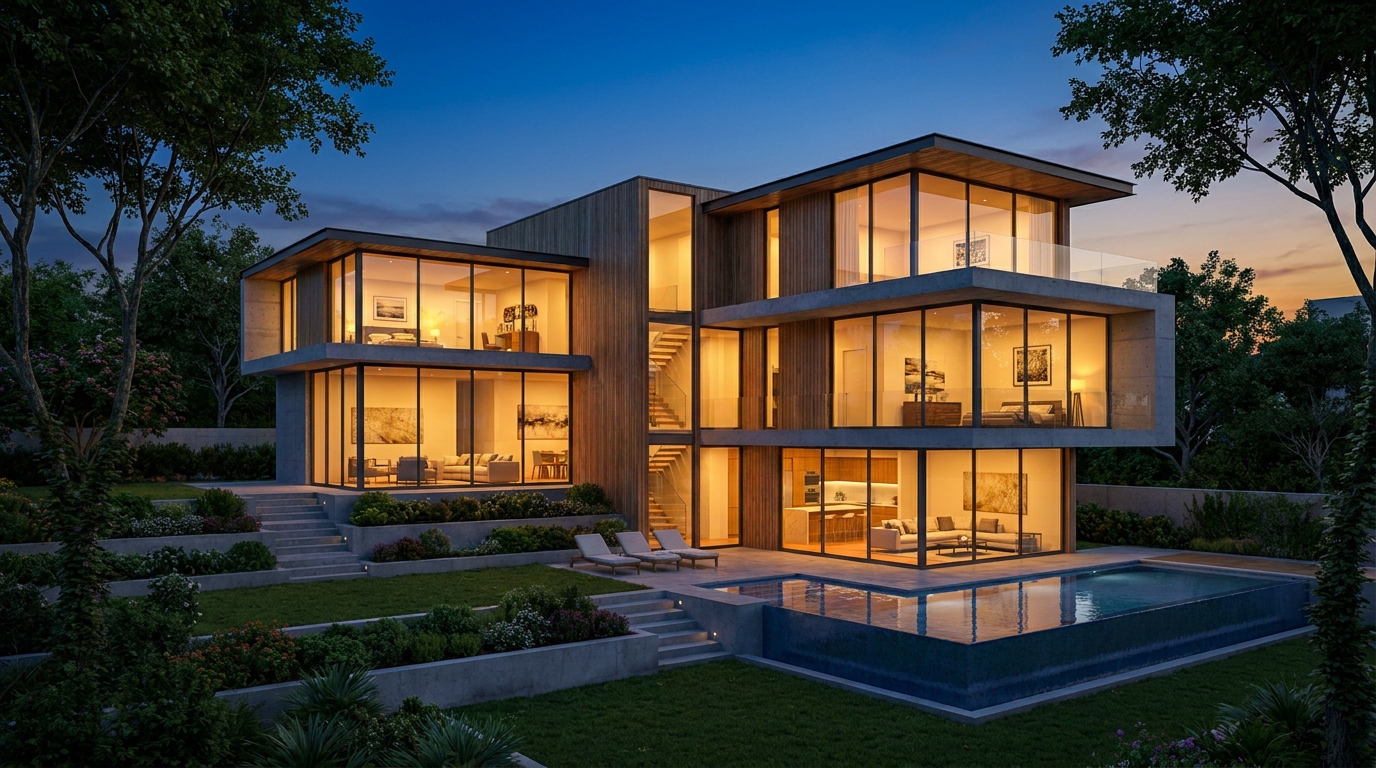 Architectural Render CGI flythrough before a brick is laid
 -
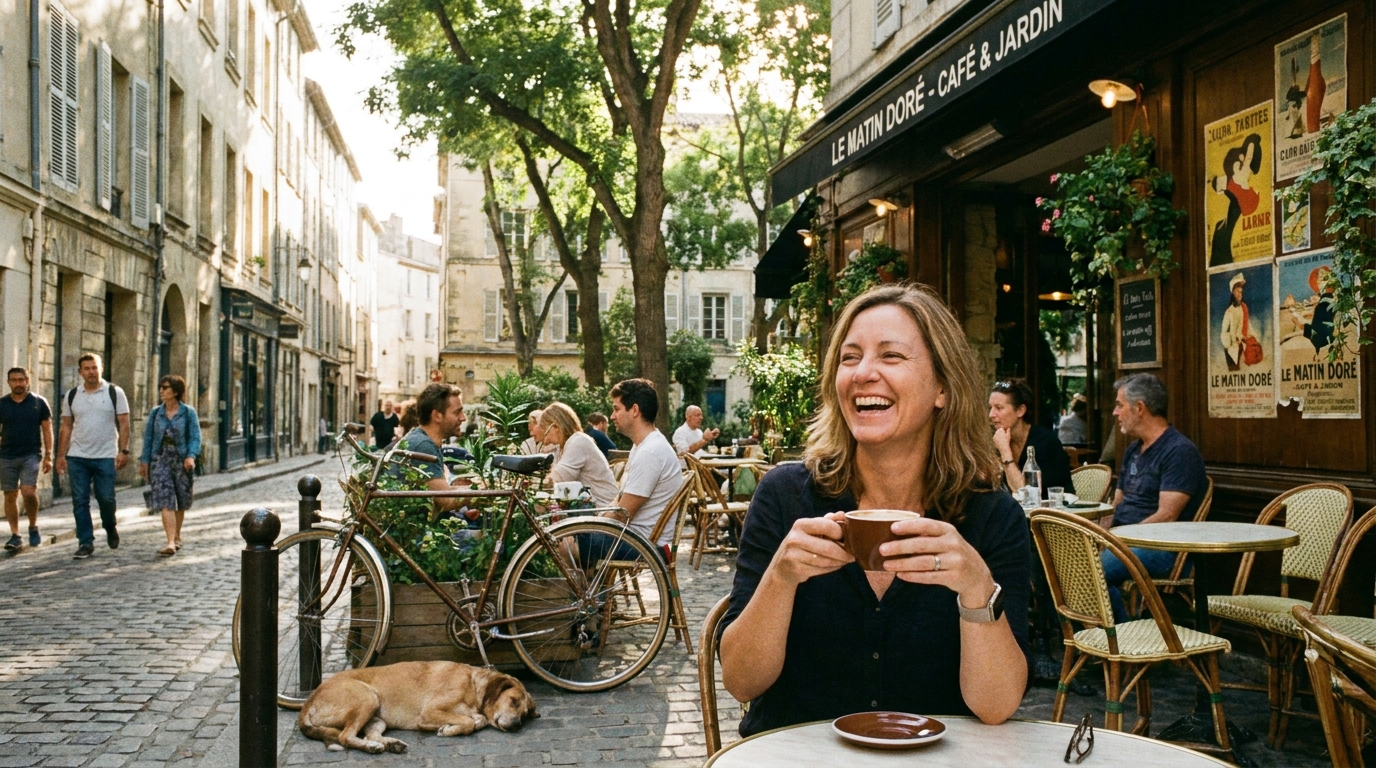 Neighborhood Guide The lifestyle, not just the listing