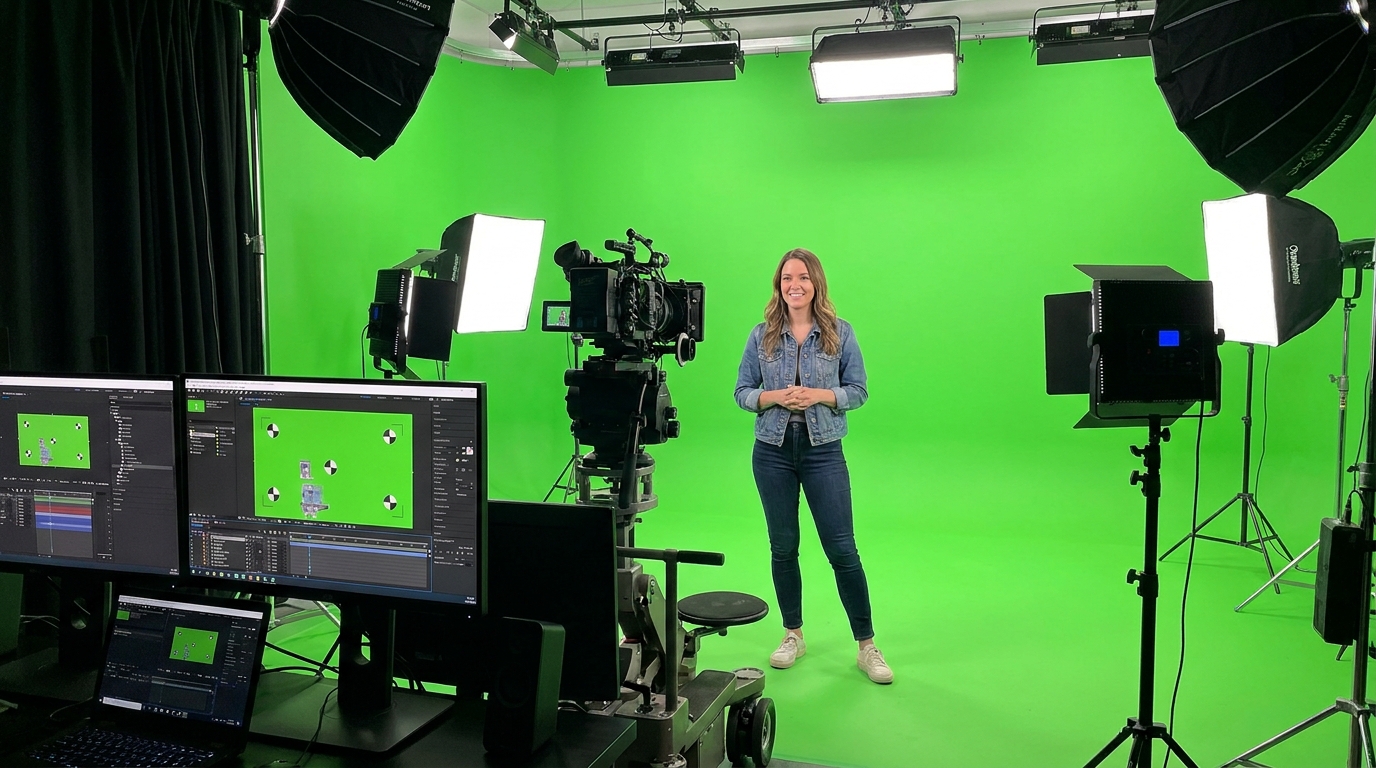
Green Screen Creator
Your content, any world as the backdrop
[Attach: a background image or video scene] Create a creator-style video where the host appears in front of the attached background, reacting to it naturally and weaving in a product or message
Opens the Wavemaker composer with this style pre-selected.
Green Screen Creator is an AI social & creator video style — your content, any world as the backdrop. Wavemaker generates the entire video for you — script, visuals, voiceover, and music — and assembles a finished, ready-to-share piece in minutes.
Pick Green Screen Creator, describe your idea or paste a URL, and Wavemaker applies the style's tuned recipe (its look, pacing, framing, voice, and structure) to your content. You can attach your own image to feature your real product, person, or brand. Refine any scene in plain language, then export in the aspect ratio you need (vertical, square, or widescreen).
How to create a green screen creator video
-
Describe your video
Paste a link or type a one-line brief. Wavemaker reads it, pulls your brand, and plans the scenes, script, and pacing for you.
-
Pick a style
Choose one of the styles on this page. Each is a tuned recipe — look, cut rhythm, voice, and structure — applied automatically to your brief.
-
Generate and refine
Wavemaker writes the script, generates every shot and voiceover, and assembles a finished video. Tweak any scene in chat or on the canvas, then export.
Green Screen Creator — FAQs
What is the Green Screen Creator video style?
Green Screen Creator is a social & creator style on Wavemaker — your content, any world as the backdrop Selecting it steers the whole generation — look, cut rhythm, voice, and scene structure — toward that result, so you get a consistent Green Screen Creator feel without configuring anything.
How do I make a Green Screen Creator video?
Open the Wavemaker composer, choose Green Screen Creator, describe your idea (or paste a link), and Wavemaker writes the script, generates the visuals and voiceover, and assembles the video. Tweak any scene in chat and export.
Can I feature my own product or subject?
Yes — attach an image and Green Screen Creator uses your real product, person, or brand as a reference so it stays consistent across every scene instead of inventing a lookalike.
What aspect ratios can I export?
Vertical (9:16) for TikTok, Reels, and Shorts, square (1:1), and widescreen (16:9) for YouTube and the web. Some styles default to the ratio that performs best for their format.
Are these vertical by default?
Yes — Social & Creator styles default to 9:16 vertical, the native ratio for TikTok, Instagram Reels, and YouTube Shorts.
Do I get captions?
Word-synced dynamic captions are built in for these styles, since silent autoplay is the norm on social feeds.
More Social & Creator styles
-
 Recreate an Ad Clone a winning ad's structure with your brand
 -
 Clipcut 30 cuts in 15 seconds — every beat lands
 -
 Sticker Match Cut Stickers chain-cut through a product story
 -
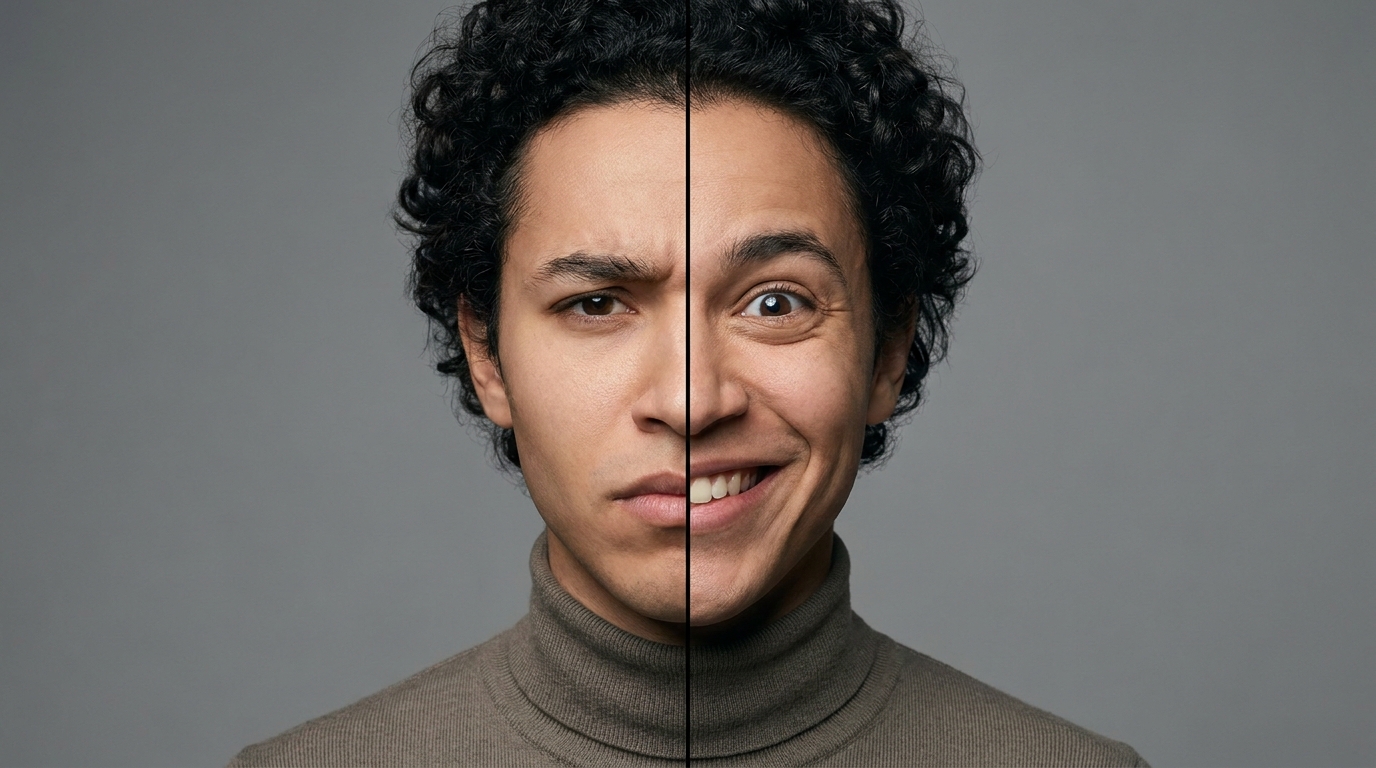 Face Swap Skeptic's face swaps to pure delight
 -
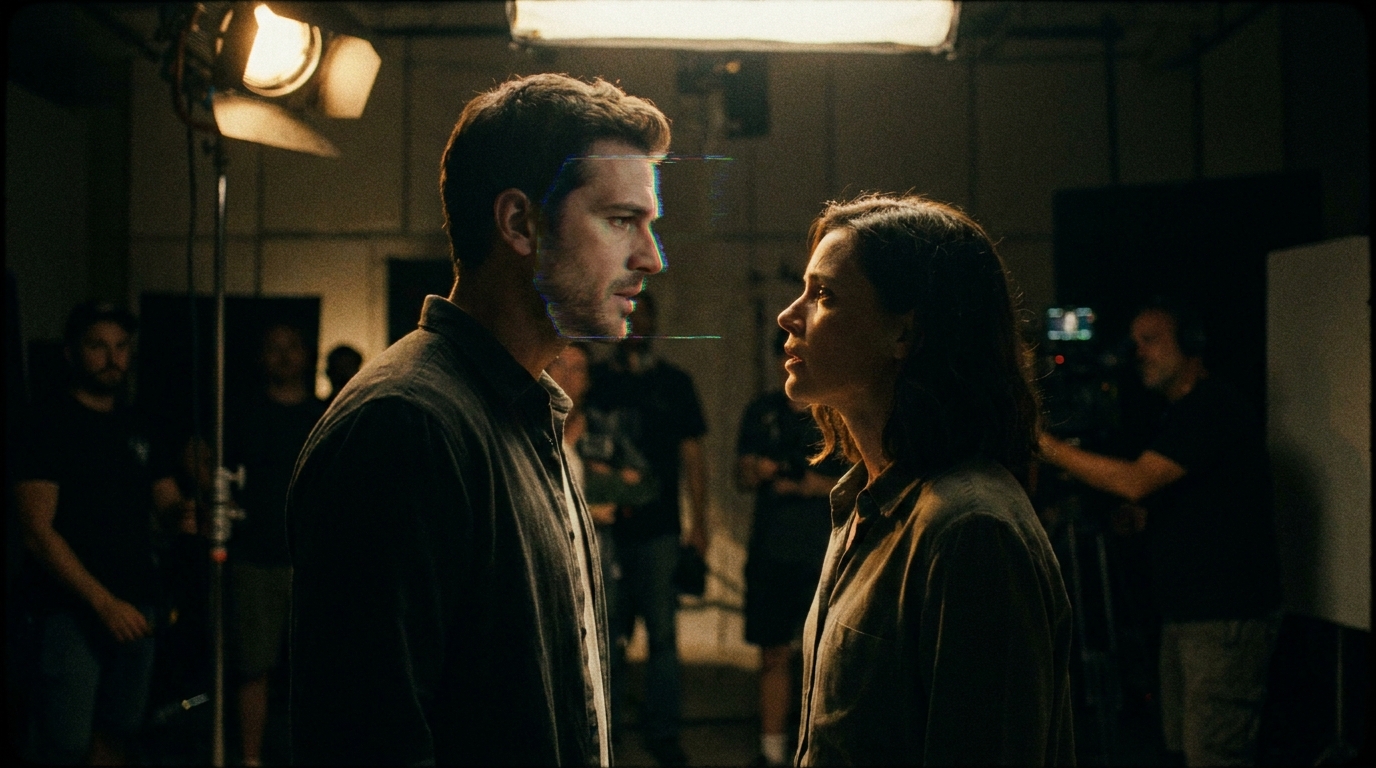 Video Face Swap Classic scene recast with a new face
 -
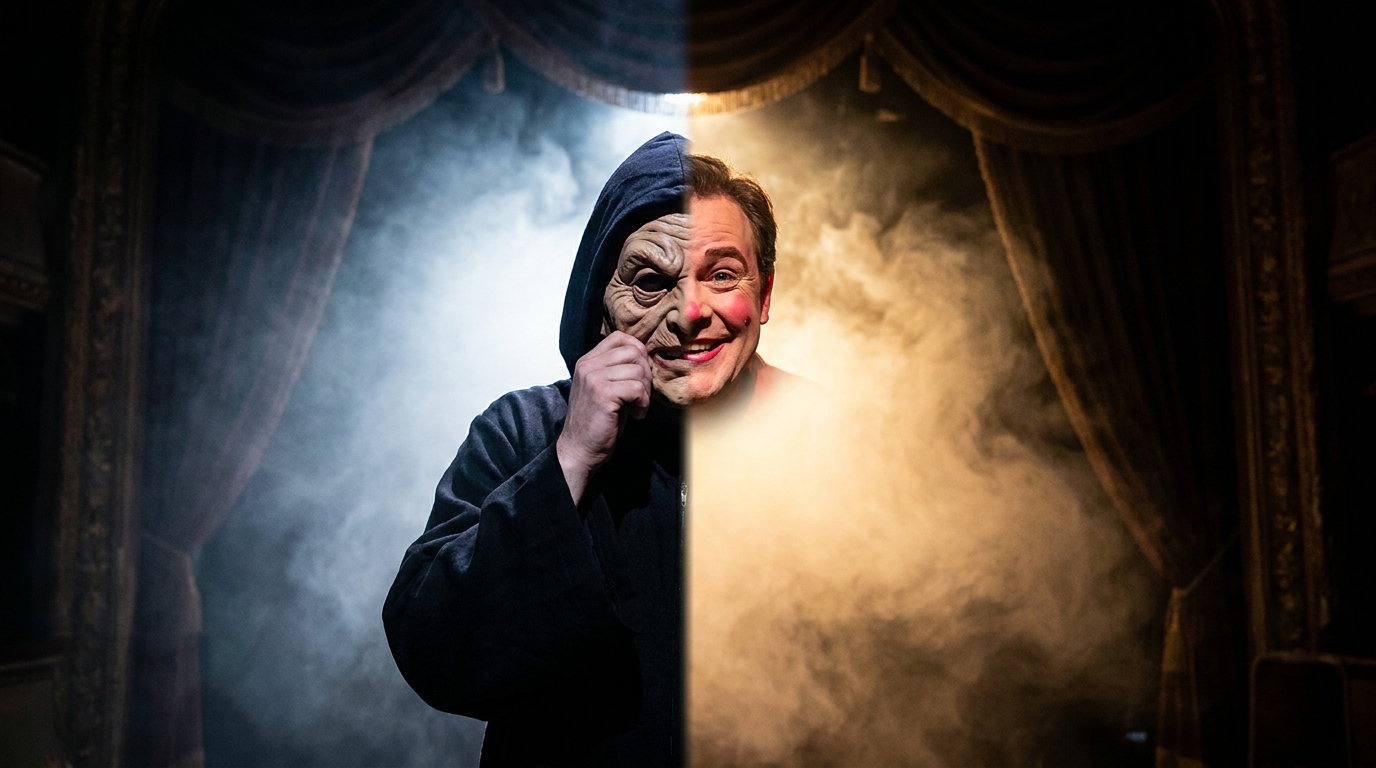 Character Swap Villain unmasks as the brand hero